





UNLOCK POWER EFFICIENCY AND PRECISION
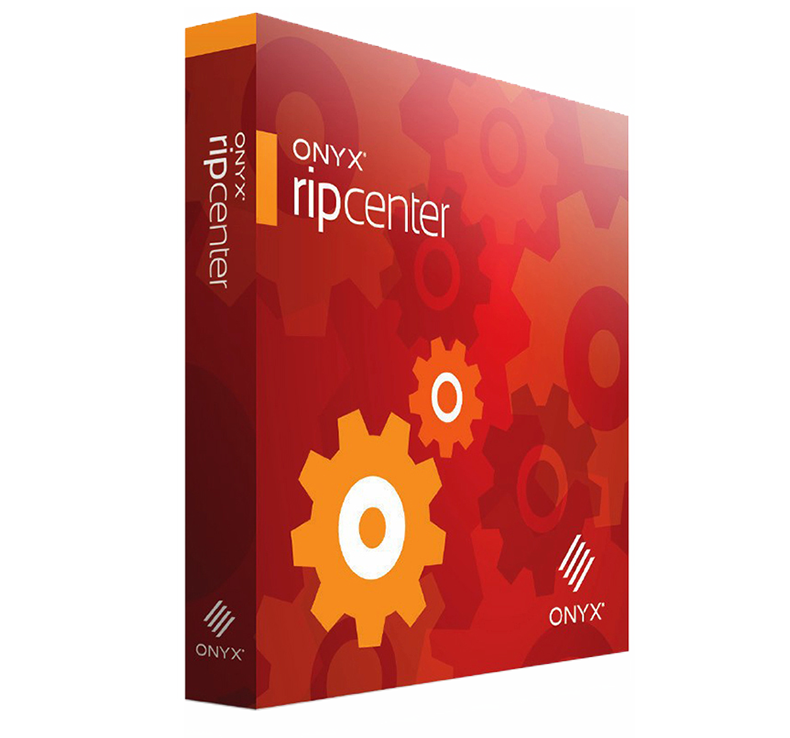
Onyx V25 RIP Software
ONYX 25 is a powerful software solution designed to streamline print workflows and boost productivity. With advanced automation features, intuitive controls, and seamless integration, it allows you to manage multiple projects efficiently and deliver consistent, high-quality prints every time. Whether you're looking to reduce turnaround times, improve colour accuracy, or minimise waste, ONYX 25 simplifies complex tasks and enhances overall print performance, helping you stay ahead in a competitive market.
Maximised performance
The new Spark Engine platform is designed to deliver unmatched speed, performance, and reliabilityqualities youve come to expect from Onyx software. By incorporating advanced compression, rendering, and performance techniques, Spark Engine enables you to print up to 400% more jobs per day, boosting your productivity and allowing you to accomplish more in less time, all without compromising on quality.

- 400% RIP speed increase thanks to advanced compression algorithms

- 200% printer performance increase thanks to new threading pipeline

- 600% step and repeat performance thanks to new rendering technology
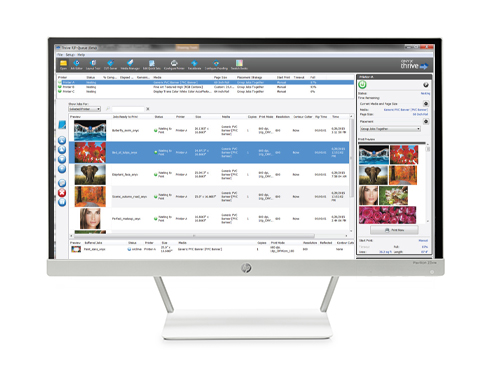
Transform your colour management
With a range of built-in tools, ONYX 25 transforms the colour management experience, offering an all-new system that helps you achieve consistent colour accuracy, improve efficiencies, and streamline print production.

- Streamline workflow with DeviceLink+ presets

- Reduce ink usage using GCR+

- Enhanced Colour Control

- Swatch Books 2.0
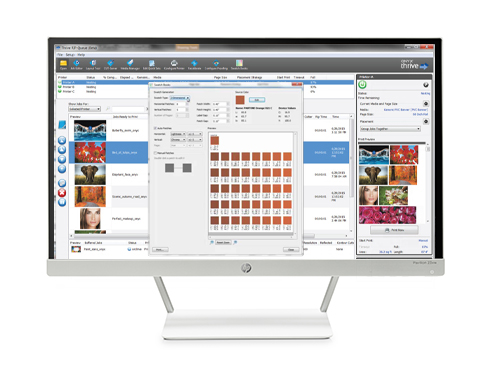
A whole new user experience
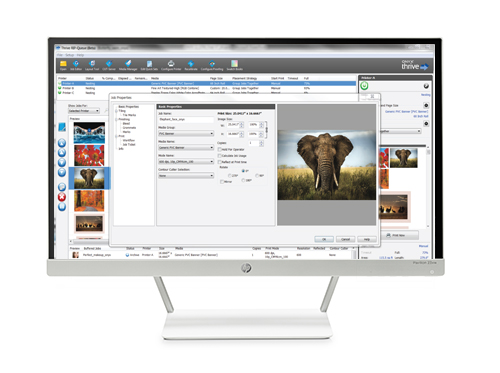
Introducing a new drag-and-drop user experience, along with a range of easy-to-use tools for everyday automation, designed to simplify the print production process.

- Drag and drop to RIP queue

- Drag and drop automation

- Fast and efficient file editing

- Improved User Interface and Nest Preview
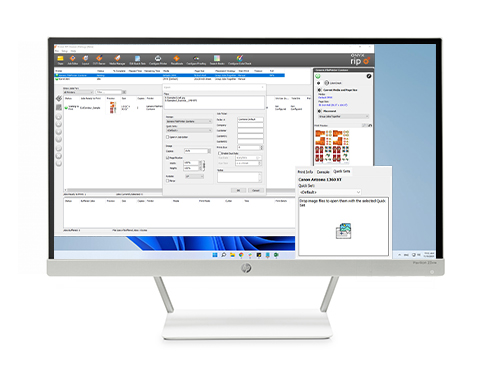
Unlock your printing potential with Adobe PDF Print Engine
Adobe Systems Incorporated is renowned for its applications that support designers worldwide. With a strong global presence, an iconic brand portfolio, and a reputation for reliability and trustworthiness, Adobe products have become the go-to choice for print providers around the globe.

- High impact colour rendering

- Full PDF 2.0
support

- Anti-aliasing for visually smoother edges

- Enhanced Unicode Support
AWARDS / REVIEWS
- ONYX 25 represents a huge leap forward in automation. The integration of AI-based tools to predict colour shifts and optimise print settings has significantly reduced our manual input time. Its like having an intelligent assistant that fine-tunes every print job in real-time. This version has completely changed how we approach our workflow, making us more efficient while maintaining the same high quality.
- Michael Adams
- Head of Operations, FastPrint Solutions
- ONYX 25 is the culmination of 35 years of innovation in the wide-format print industry. With speed and performance increases from the new Spark Engine, coupled with next-generation colour management using DeviceLink+, print service providers can reach new heights using ONYX.
- Kevin Murphy
- President and CEO of Onyx Graphics, inc.
- The need for outstanding colour output has received massive interest in the past few years and continues to gain momentum as a key differentiator for print shops wanting to stand out against their competition. But thats not all, good colour management is hard. Print shops need a solution that makes colour management simple with the ability to easily achieve the best possible colour, which is the purpose of the new colour tools found exclusively in ONYX 25 software.
- Matt Crawford
- Director of Product Marketing, Onyx Graphics, inc.
- With sustainability top of mind, ONYX 25s new eco-friendly printing options are a game changer. The advanced colour management system not only ensures accuracy but also optimises ink usage, helping us reduce waste and our carbon footprint. This version shows that ONYX is keeping pace with the growing demand for environmentally conscious printing solutions.
- Sophia Young
- Sustainability Manager, GreenPrint Solutions
- Colour accuracy and consistency are critical to our work, and ONYX 25 takes that to the next level. The new colour calibration tools are precise, and the software now offers real-time adjustments based on ambient lighting and printer conditions. This means we can get the perfect match every timewhether we're printing on paper, fabric, or other media.
- Oliver Cole
- Senior Designer, Elite Art Prints
- User experience expectations are changing, software owners and operators need fast, easy-to-use tools that are intuitively designed which is our motivation behind this release.
- Matt Crawford
- Director of Product Marketing, Onyx Graphics, inc.
- We focus on fine art and photographic printing so colour accuracy and vibrancy are extremely important to us. We struggled before in getting the colour accuracy dialled in across our devices but ONYX Thrive is the only solution that could do that for us
- Nick Landis
- Max Art
- ONYX has enabled our small business to grow. We've been blown away by the RIP speeds, automation, and colour management which have improved our turnaround time and produced very happy customers. Because it can drive all of our printers, we now have just one solution for our entire site.
- ERIK STENHOLM
- Dynamite Digital
- We ordered new media to meet the deadline on a two-part print run, and ColorCheck caught the difference in white-point; which saved us thousands in wasted ink and media from wrong prints. Colour accuracy and consistency are incredibly important to our customers and us. Now we won't print without ColorCheck.
- Leonard Moore
- SignBoom
- We're thrilled to unveil ONYX 25 to the world, whether you're a small-scale operation or a global enterprise, this remarkable tool revolutionises print production and will streamline workflows like never before.
- Matt Crawford
- Director of Product Marketing, Onyx Graphics, inc.
SPECIFICATIONS
- Recommended System Specifications
- CPU
Intel or AMD Multi-Core Processors
(10+ cores minimum) - Memory
32GB minimum (64GB recommended) - Storage
480GB SSD minimum
(960GB recommended for data)
One Drive for OS
One Drive for ONYX Application - Graphics
Integrated Graphics
Discrete GPU not required - Display
1280 x 1024 minimum
(2K supported) - Hardware
USB ports (dongle + peripherals), printer/cutter/colour device ports - Internet
Required for licencing and software activation - Browser
Chrome, Firefox, Edge, Safari (latest version) - Network *
Gigabit Ethernet for TCP/IP Printers
* Note: Firewall and Antivirus must be disabled or configured to allow ONYX applications and printer ports (515, 1947, 8889, 9100 and 10000). There may be other ports needed, please see the device manufacturer for details. - Supported Operating Systems
Windows 11 Professional
64bit operating system
- Onyx TruFit System Requirements
- CPU
Intel or AMD Multi-Core Processors
(10+ cores minimum) - Memory
32GB minimum (64GB recommended) - Storage
480GB SSD minimum - Graphics
Integrated Graphics
Discrete GPU not required - Internet
Required for licencing and software activation - Network *
Gigabit Ethernet for TCP/IP Printers
* Note: Firewall and Antivirus must be disabled or configured to allow ONYX applications and printer ports (515, 1947, 8889, 9100 and 10000). There may be other ports needed, please see the device manufacturer for details. - Supported Operating Systems
- Windows 11 Professional
64bit operating system - macOS 10.11 (El Capitan) minimum
- Supported Devices
- Supported Print Devices
For a full list of supported printing devices
click here - Supported Cutter Devices
For a full list of supported cutting devices
click here - Supported Colour Measurement Devices
For a full list of supported colour measurement devices
click here